Over the past few months, our team has run hundreds of thousands of generations in real commercial workflows. This post turns that experience into a side-by-side comparison of six mainstream AI video models: Seedance 1.5 Pro, Google Veo 3.1, OpenAI Sora 2, Alibaba’s Wan 2.6 (万相), Kuaishou’s Kling 2.6 (可灵), and Vidu Q2. The goal is to help you choose quickly when your priority is conversions, realism, camera control, storytelling, IP content, or cost.
Scope: As of February 2026, model capabilities and access may change; check each provider's latest docs.
Bottom line first: It’s no longer about picking one model and sticking with it. The practical approach is combining multiple models by use case—switching by scene or stage to balance quality, cost, and throughput.
In OpenCreator, the Image-to-Video workflow lets you switch between Seedance, Veo, Sora, Kling, and more—same pipeline, compare outputs across models.
1. Seedance 1.5 Pro: Best Prompt Response
Seedance 1.5 Pro was officially released by ByteDance on December 16, 2025. It’s a joint audio-video model: you get synchronized video and audio in one generation, so no separate dubbing step. In our tests, its standout trait is how well it follows prompt instructions, especially for camera work.
Strengths
- Strong camera-movement understanding: Push, pull, pan, dolly, follow—describe it clearly and it usually delivers. Good for building shot libraries and testing many angles.
- Chinese-friendly prompts: Very useful for teams working in Chinese (e.g. fashion, e‑commerce, short-form) without constantly translating to English.
- Reasonable cost and fast iteration: Suited to high-volume shot testing and building a clip library rather than “one shot, ship it.”
Weaknesses
- Detail stability: Hands and fine details can still break, especially in close-ups and detail shots. One-take, broadcast-ready success rate isn’t high.
- Overacted expressions: Characters can look a bit “performed” rather than natural.
- Expect to generate many times: Plan for multiple generations and cherry-pick; quality often scales with volume.
Best for
Heavy camera control, lots of test shots, Chinese-led workflows. Less ideal when you need pixel-perfect faces or product close-ups in a single take.
2. Google Veo 3.1: Stability and Conversion Focus
Veo 3.1 is the latest evolution of Google's Veo video model. It may not match Sora 2 on raw realism, but in our tests it’s one of the highest conversion-oriented models. In two words: stable and reliable.
Strengths
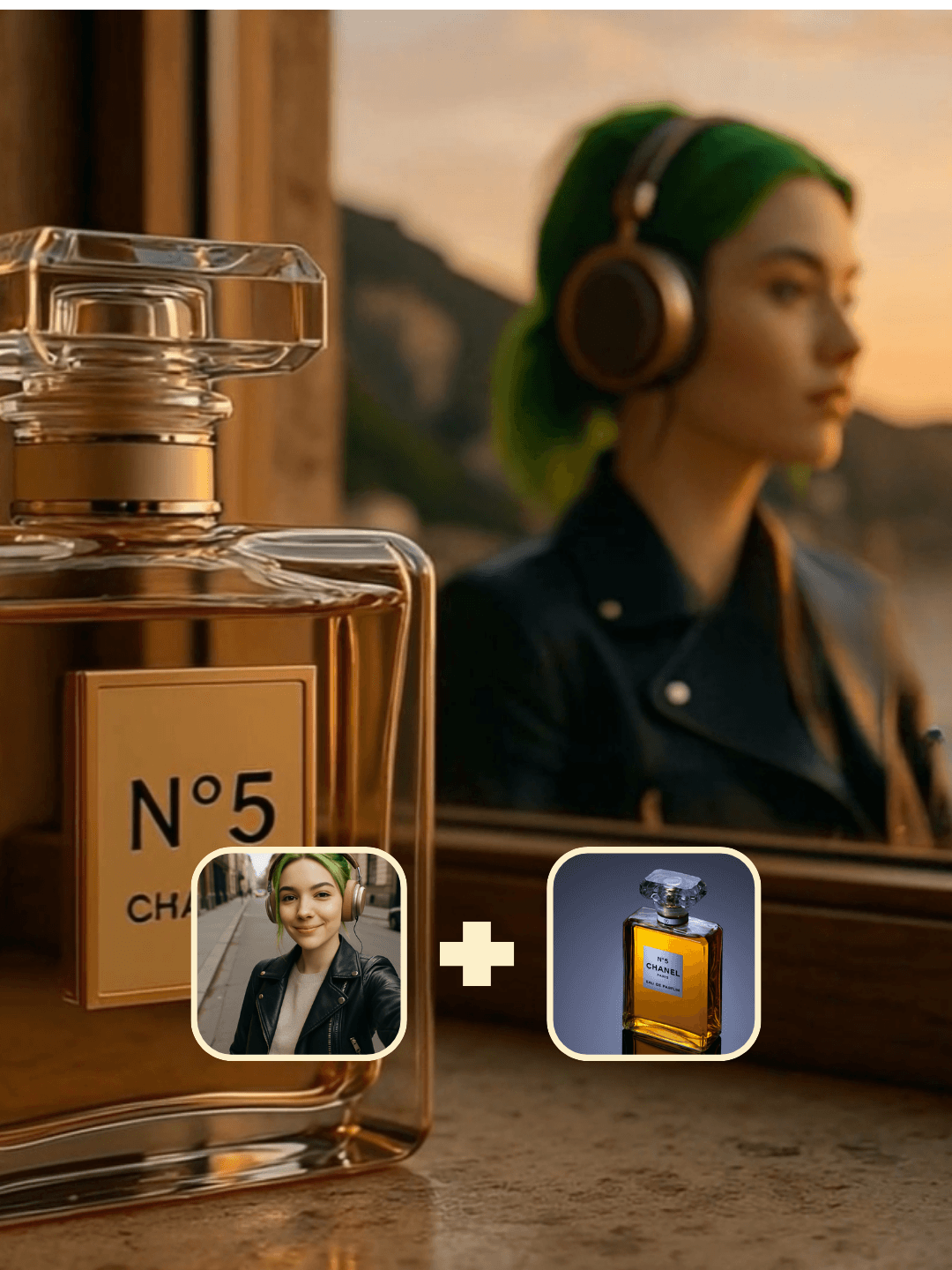
- Reference-image locking: Use reference images to lock character, product, and scene. People stay consistent; clothes and packaging don’t morph—critical for product and fashion shoots.
- Native vertical: Supports 16:9 portrait out of the box for TikTok, Reels, Shorts—no manual cropping.
- Smooth camera logic: Shots feel coherent with little of the “AI jitter” common in other models.
Weaknesses
- Short duration in many entrypoints: In many consumer-facing products, Veo 3.1 clips are capped at around 8 seconds, so longer narratives still require multiple clips or other tools.
- Still has an AI look: Can feel a bit “ad-like” sometimes; not the best fit for heavy narrative or story-first content.
- Clear positioning: Best for product/fashion commerce and commercial short-form, not for story-heavy content.
Best for
Product videos, fashion commerce, vertical brand ads—when you care most about predictable success rate and consistent characters/products, Veo 3.1 is the go-to.
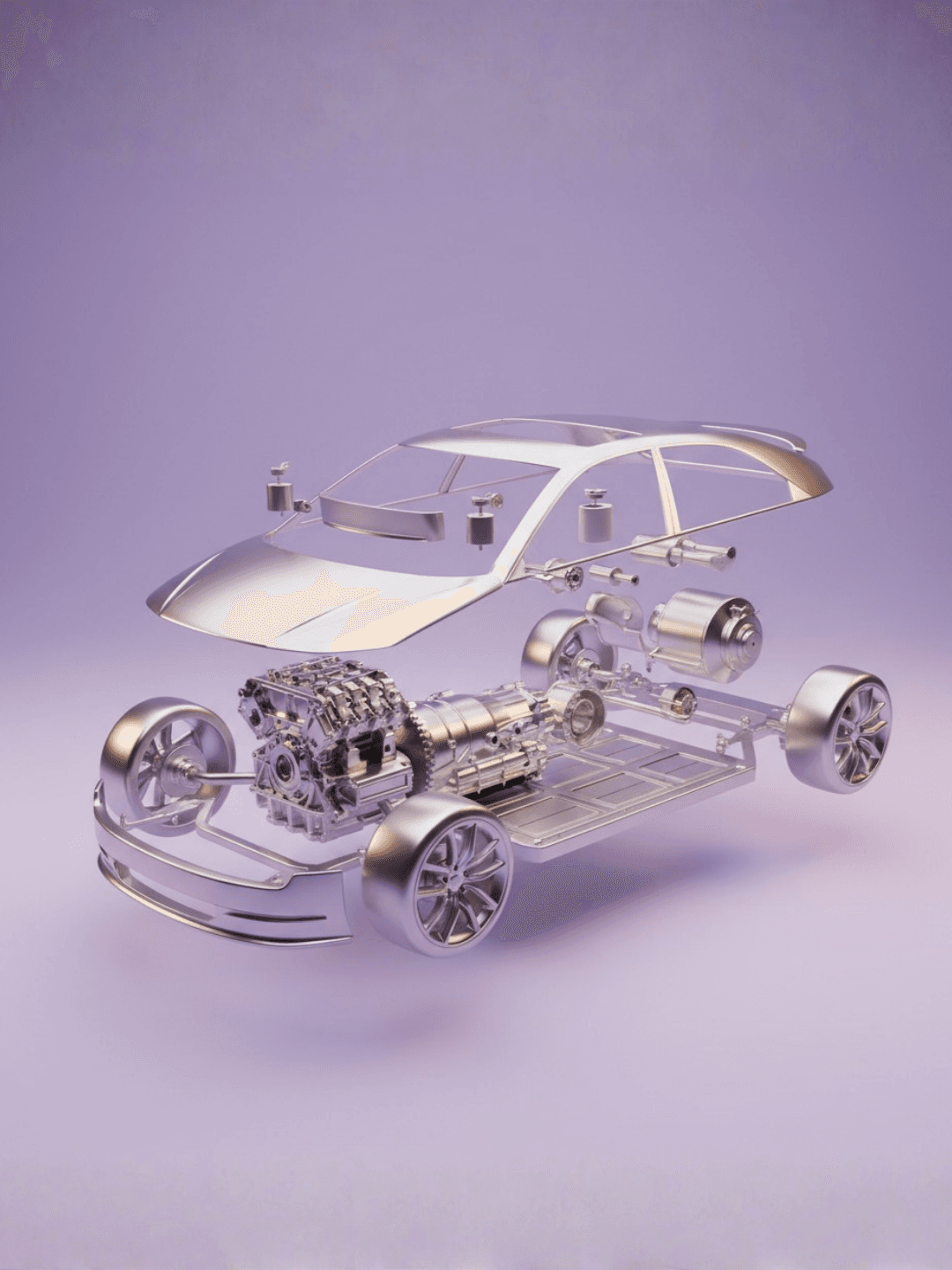
VEO 3.1 Playground workflow sample
3. OpenAI Sora 2: Top Realism, Higher Cost and Variance
Sora 2 is still the realism leader among current models. In our experience, quality and success rate have become more variable lately, and cost per usable clip has gone up. If “looks like real footage” is the main goal, it remains one of the strongest options.
Strengths
- Realism ahead of the pack: Lighting, texture, and physics are still in a league of their own for mainstream models. Good when realism is non-negotiable.
- Flexible duration: Supports short to mid-length clips: common options in the app and on the web range from a few seconds up to 15 seconds, while Pro tiers with storyboard controls can go up to 25 seconds for longer scenes.
- Strong physics and motion: Movement and natural phenomena tend to look coherent.
Weaknesses
- Success rate has dropped: Where 20+ generations might have yielded one keeper, now 40+ might not; expect higher “trial-and-pick” cost.
- No character reference upload: A real limitation for fashion commerce, IP characters, and fixed-identity narrative—you can’t lock a face like with Veo.
- Access and cost: Currently available via the Sora app, sora.com and select OpenAI products such as ChatGPT Pro; API and regional access remain limited, and pricing makes large-scale testing expensive.
Best for
Realism-first, low character-consistency needs—landscapes, mood, concept pieces, some narrative clips. For fixed faces or product consistency, combine with Veo or Vidu.
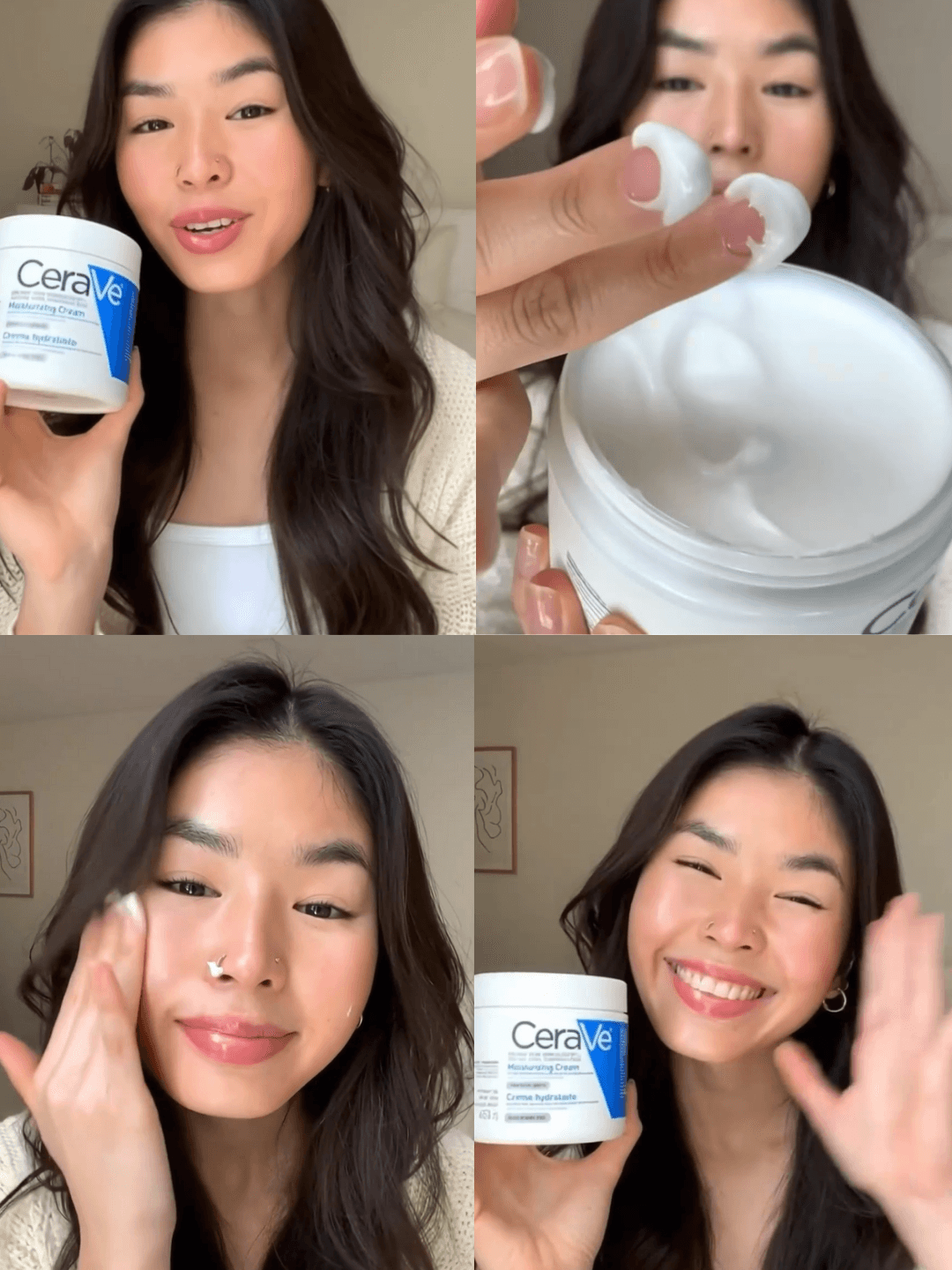
Sora 2 UGC Promo workflow sample
4. Wan 2.6 (万相): Cinematic and Multi-Shot, Director-Oriented
Wan 2.6 is a flagship multimodal AI video model from Alibaba Cloud’s Tongyi Wanxiang team and is often described as one of the most capable all-in-one AI video models. In one line: it’s a director’s model, not a one-click editor’s model—best when you know your shot list; less ideal for “one button, ship it” product videos.
Strengths
- Multi-angle, multi-shot in one go: Turns prompts into multi-shot scripts with wide, close-up, dolly, etc. Up to 15 seconds of coherent narrative in one generation.
- Strong cinematic feel: Lighting, composition, and mood are a clear step above typical “short-form only” models. Good for brand films, narrative pieces, and IP visuals.
- Audio and lip-sync: Native audio-video sync, lip-sync, and sound-driven generation so the output feels finished.
Weaknesses
- Learning curve: You need to plan shots 1, 2, 3; otherwise the multi-shot advantage is underused.
- Slower and costlier per shot: Not ideal for high-frequency, high-volume product testing; better for fewer, higher-quality pieces.
- Narrative and brand focus: Not built for simple, repetitive product-only clips.
Best for
Brand films, short drama, narrative IP visuals, any project that needs a cinematic multi-shot look—teams with shot-design capacity and willingness to invest time per piece.
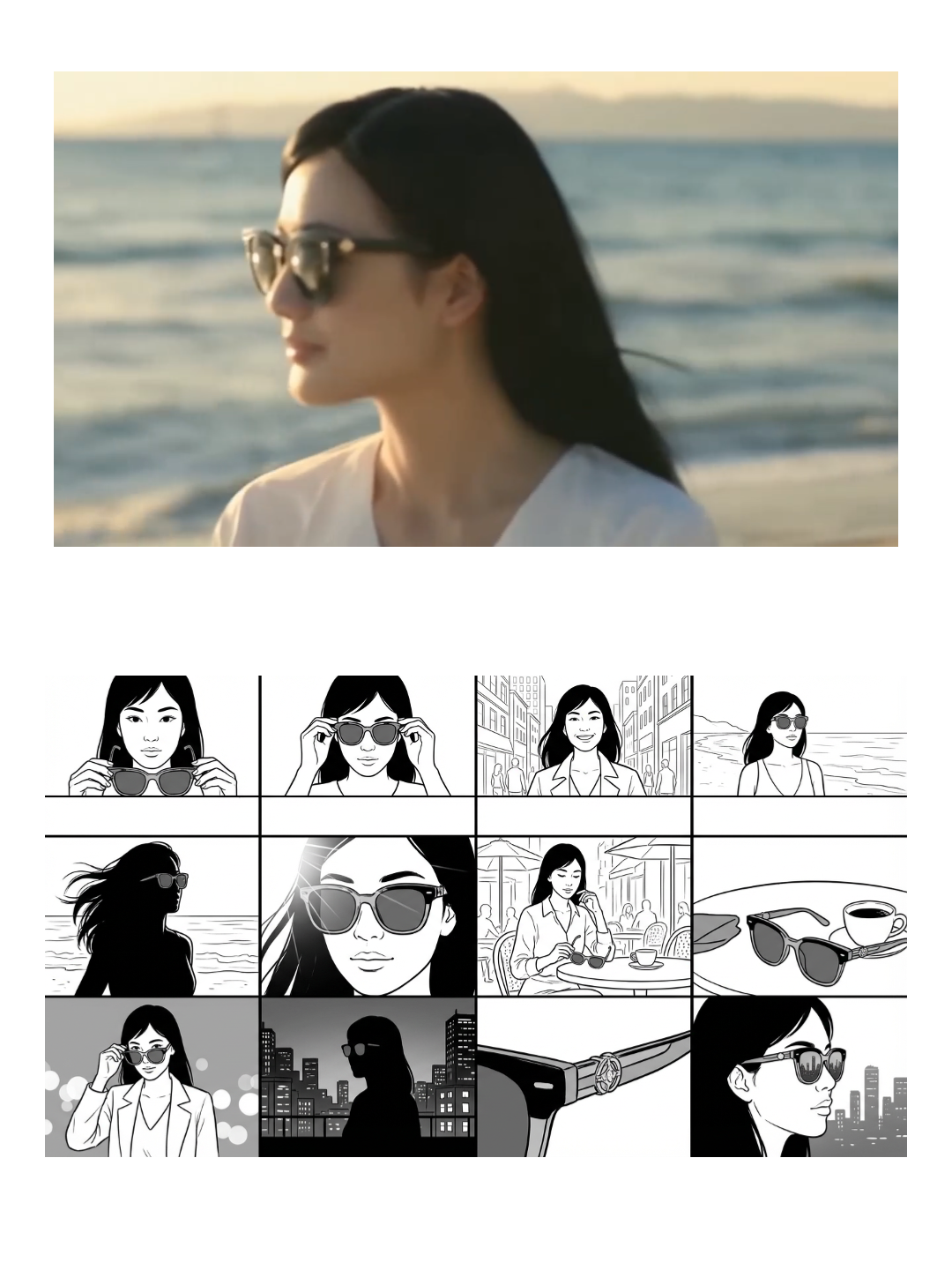
Multi-shot narrative workflow sample
5. Kling 2.6 (可灵): Portrait and Audio-in-One, Content-Creation Focus
Kling 2.6 from Kuaishou’s Kling team is a major update to its video lineup. Its headline feature is “音画同出” (audio and video in one)—one generation gives you dialogue, sound effects, and picture, no separate dubbing. Among domestic models, it’s one of the most reliable for portraits and speech.
Strengths
- Stable portraits: Expressions, skin, and demeanor stay consistent. Good for talking-head, dialogue, and story-driven content.
- Action and dialogue together: Single monologue, multi-person dialogue, voiceover—semantic and emotional alignment is strong.
- Mature audio–video sync: Speech and picture are aligned; Chinese speech quality is top-tier globally. Fits Chinese-first accounts and IP.
Weaknesses
- Not tuned for hard-selling product videos: Leans toward content creation, story accounts, and creator content rather than straight e‑commerce clips.
- Product consistency is so-so: If the goal is “same product across many shots,” Veo or Vidu are more reliable.
Best for
IP accounts, story-driven channels, creator content, talking-head and dialogue clips—when the priority is faces, voice, and content quality rather than pure conversion, Kling 2.6 is a strong choice.
.png)
Kling audio-video sync / ASMR Promo workflow sample
6. Vidu Q2: Multi-Reference Consistency and Volume
Vidu Q2’s “参考生” (reference-based generation) was upgraded around October 2025. The main draw is high consistency with multiple reference images and cost-effectiveness, making it a good fit for volume and matrix content.
Strengths
- Strong consistency: Supports multiple references (e.g. up to 7 subjects). Characters, scenes, and style stay stable across clips—useful for drama, anime-style, and ad/e‑commerce with fixed characters or products.
- Loop-friendly: One character image + one scene image can be reused for many generations, good for building a base content pool and running matrix accounts.
- Price and speed: Cost remains reasonable while keeping consistency; inference is noticeably faster than Q1.
Weaknesses
- Image quality isn’t top tier: Compared to Sora 2 and some top domestic models, detail and polish are a step behind.
- Limited motion and expressiveness: Not the best when you need big, dramatic motion or high tension.
- Clear role: Best for volume, matrix, and content pools rather than single “hero” clips.
Best for
Short drama, anime-style, ad/e‑commerce with consistent characters/products, matrix accounts, and content-pool building—when the goal is “many clips, stable look,” not “one perfect clip.”
Summary: One-Line Picks by Goal
| Goal | Model |
|---|---|
| Conversions / 想出单 | Veo 3.1 |
| Realism / 想真实 | Sora 2 (watch success rate and cost) |
| Camera control / 想运镜 | Seedance 1.5 Pro |
| Story / 想故事 | Wan 2.6 |
| IP / 想 IP | Kling 2.6 |
| Cost / volume / 想省钱·铺量 | Vidu Q2 |
A practical approach: don’t bet on a single model. Mix by project type—e.g. Veo for product and character lock, Sora for mood and realism, Seedance for camera tests, Wan 2.6 for brand and narrative, Kling for IP and dialogue, Vidu Q2 for volume and matrix. Tools like OpenCreator let you switch models inside one workflow so “which model” becomes a step in the pipeline instead of a new commitment each time.
FAQ
Which AI video model is best for fashion / product commerce?
For conversion and character/product consistency first, Veo 3.1. If you also want fast camera tests and a clip library, add Seedance. Sora 2 has the best realism but no character reference, so it’s a poor fit for strong sales-driven personas.
Which model for brand films and narrative?
Wan 2.6 leads on cinematic, multi-shot narrative—best if you can plan shots. For IP personas, dialogue, and story, Kling 2.6 is stronger on portraits and audio–video sync.
How to reduce cost and produce more clips?
Vidu Q2 is cost-effective with multi-reference consistency, good for volume and matrix. Seedance is relatively cheap and fast for shot testing. Both work as “cost-saving” options.
Can I use multiple models together?
Yes, and it’s recommended. Switch by shot type or stage—e.g. Veo for product shots, Sora for mood, then a single workflow to export and publish—to balance quality and efficiency.
Start Combining AI Video Models
In OpenCreator you can switch between Seedance, Veo, Kling, Luma, Runway, and more inside the same workflow and use templates to compare models quickly: Explore AI video workflows


