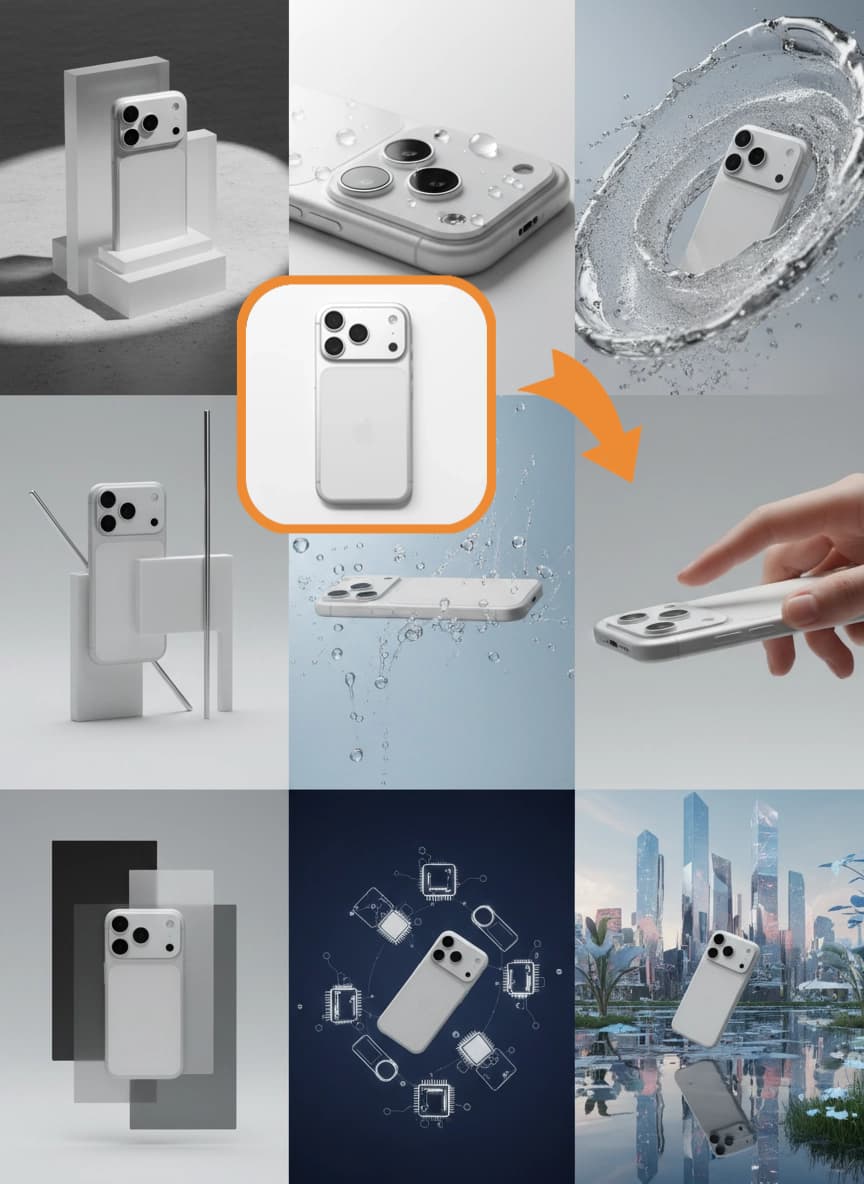
A shift is happening in e-commerce creative production:
Product images are no longer something you shoot once and forget. They are a growth asset that keeps iterating. You need fast launch cycles, many variants, consistent style, and multiple aspect ratios for different channels.
AI product photo tools help you turn repetitive, standardized work into a more controllable and cost-efficient process.
This guide is not about which tool is the best.
It is about which problem you should solve first, and the line you should not ignore: once you need batching, reuse, and multi-step production, single-purpose tools start to slow you down. That is where workflow-based solutions like OpenCreator become the better fit.
Quick answer
- Choose tools by your bottleneck: product fidelity (editing) vs scene generation (variation) vs sets/variants (batching + reuse).
- Stop guessing when you need repeatability: if you keep repeating the same steps across SKUs, you likely need workflows—not another “better looking” generator.
- Workflow wins when you need: batching, reuse, multi-step chaining, and fast troubleshooting by stage.
Scope: as of 2026-01, this guide focuses on e-commerce product images and when the workflow upgrade becomes the practical move.
Industry analyses in 2025 consistently point in the same direction: when teams adopt AI for product imagery and standardize the process, they tend to ship faster and spend less time on repetitive production. The catch is that choosing the wrong tool creates rework, because you end up fighting the tool's failure modes instead of solving your real bottleneck. The key is not which tool is best; the key is which problem is blocking you right now.


What should you choose first? (A decision you can actually use)
If you want a practical shortcut, choose by your current bottleneck, not by which tool looks best in a demo.
When your main problem is clean cutouts and minimal product distortion, you need something closer to stable product editing. When your main problem is generating many lifestyle variations quickly, you need something closer to marketing asset generation—and you should budget time for selection and rework.
If you sell apparel and you need on-model images, prioritize virtual model / try-on capabilities, but treat curation as part of the process. And when you care most about batching, consistency, and repeatable production, single-purpose tools often become the bottleneck; workflows and reusable templates are usually the cleaner upgrade path.
Quick tool selection table:
| Your priority | Tool type | Examples | Best for |
|---|---|---|---|
| No product distortion, clean cutouts | Editing-focused | Photoroom, Pixelcut | Hero images, white backgrounds |
| Fast scene variations | Marketing asset | Pebblely, CreatorKit | Secondary images, ads |
| Batch processing, API integration | Pro e-commerce | Claid.ai | Scale SKU processing |
| On-model apparel images | Virtual model | Caspa AI | Fashion e-commerce |
| Creative exploration, brand visuals | General creative | Adobe Firefly | Campaign visuals |
| Batching, reuse, multi-step chaining | Workflow-based | OpenCreator | Set production |
Before you choose, what type of work are you actually doing?
Most tool frustration comes from mixing different tasks.
E-commerce product images usually fall into three buckets, and each bucket has a different success metric.
Standardization is about white backgrounds, cutouts, cleanup, and consistent padding and sizing—stability matters more than creativity. Scene generation is about placing the product into a believable environment—lighting, integration, and aesthetics matter. Sets and variants are about outputting a full set per SKU across channels and formats—process and batching matter.
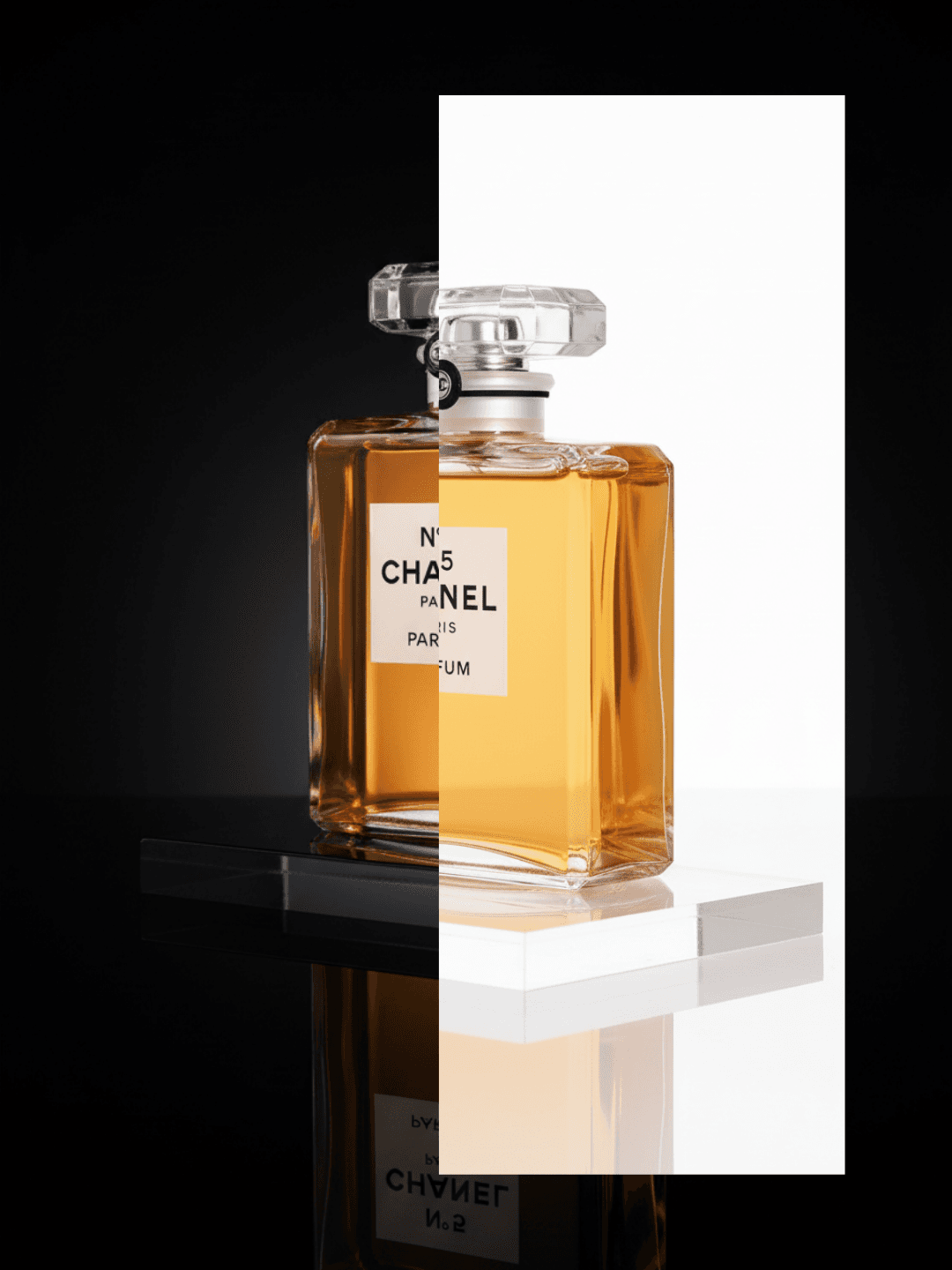
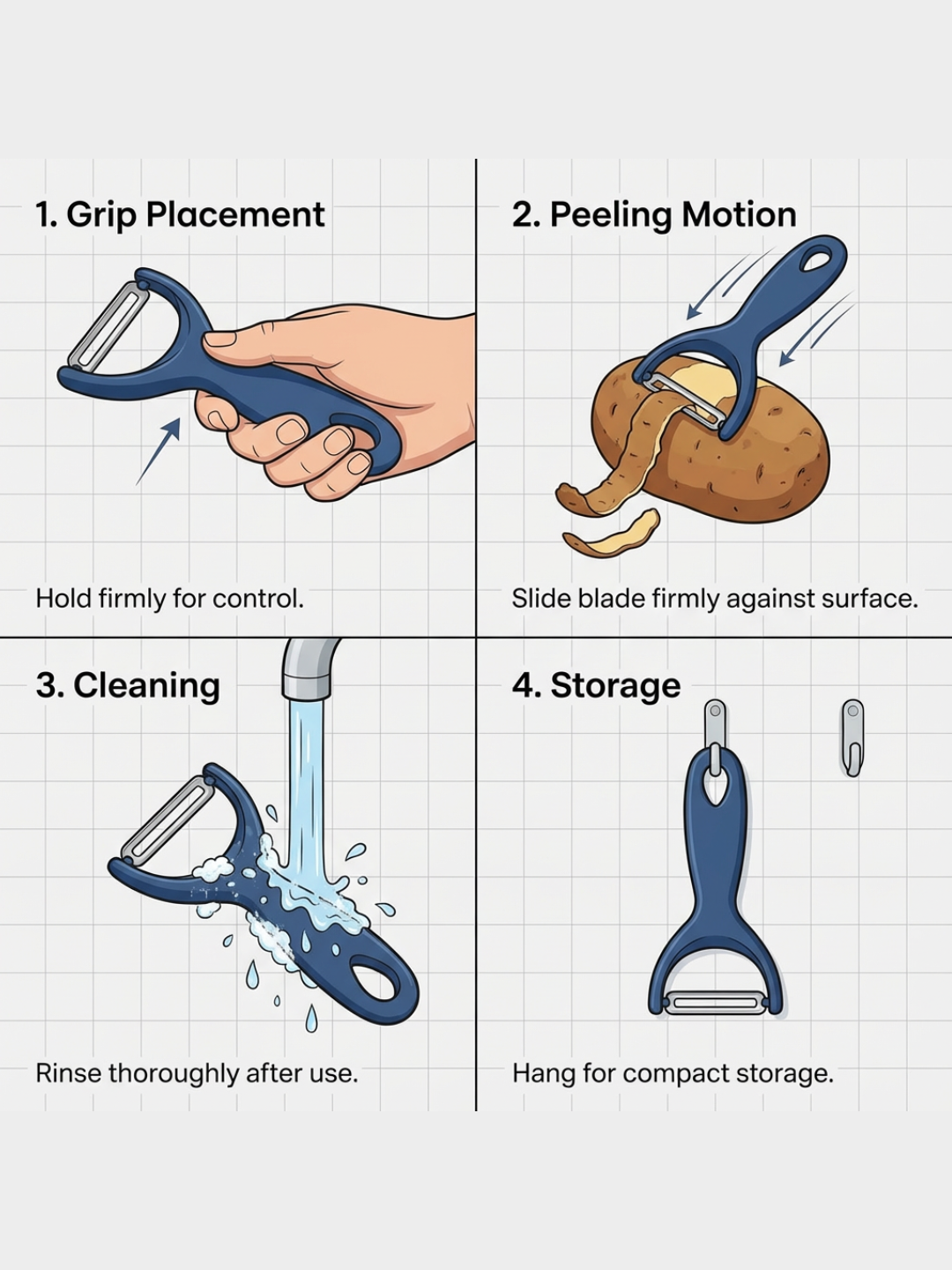
Once you know which bucket you are stuck in, the tool choice becomes much simpler.
How should you evaluate tools? (Better than “looks good”)
1) Product fidelity
The biggest risk is not that the result is not pretty. The risk is that the product changes.
Check logos, textures, proportions, and structural details. If any of those change, the image is usually marketing-only, not a truthful listing image.
Minimum QA checklist (fast to scan):
- Logos/branding: unchanged
- Texture/material: unchanged (no smoothing or repainting)
- Structure: unchanged (no invented seams, pockets, zippers)
- Proportions: unchanged
- No extra text: unless you intentionally add it in a controlled step
2) Scene integration
The gap between tools is integration quality:
Are edges clean? Does the shadow match? Is the light direction consistent? Does it look instantly synthetic?
3) Batching and reuse
When you move from one image to hundreds per week, you will care about:
Can you batch? Can you save reusable presets? Can you reuse a proven recipe across SKUs? Can multiple steps be chained?
4) Real cost structure
The cost is rarely the per-image price. It is the cost of retries and manual handoffs.
How many times do you regenerate? How much time is spent selecting and fixing? How many tools and manual steps are between input and final deliverables?
How do common AI product photo tools map to real tasks?
A. Cutout and background swap
Best for stable listing images and fast cleanup. Typical examples include Photoroom and Pixelcut—tools that focus on repeatable editing rather than “creative exploration.”
B. Scene generation and templates
Best for marketing assets where fast variation matters. Tools like Pebblely and CreatorKit often help you explore many directions quickly, but the real workflow usually includes curation and fixes.
C. E-commerce platforms built for SKU volume
Best for teams processing many SKUs per month. Platforms like Claid.ai tend to win on throughput, batching, and workflow fit—not on one perfect hero image.
D. Virtual models and apparel try-on
Best for on-model visuals. Treat it as production capacity, not a perfect replacement. Caspa AI is a common example in this category.
E. General creative generators
Best for brand exploration. Use carefully if you need strict product fidelity. Adobe Firefly is a typical example: great for creative directions, but you must be stricter on product accuracy for listings.
When do single tools stop scaling? (3 signals)
If you hit any two of these, you probably need a workflow.
First, you must output full sets for each SKU and repeat the same steps every time. Second, you want to reuse the same style and quality bar across future SKUs. Third, your team slows down due to rework and tool switching, and it becomes hard to locate the exact failure step.
At that point, the real need is to turn the process into a reusable workflow template.
Why is OpenCreator closer to a production system?
OpenCreator is not another single product photo generator. It is a multimodal AI workflow editor.
You can connect steps from input to background swap, style consistency, upscaling, multi-size exports, and even video, subtitles, and voice, as one reusable workflow.
The key value is simple:
You do not need to explain how to do it every time. You only swap inputs.
And when results are not right, you can rerun only one step instead of restarting from scratch.
- Raw product image
- Clean, editable product asset
- Preserve structure and logos
- This is the first step in most workflows
If you want workflows to become your repeatable production capacity, start from the task you repeat every week (background swap, feature callouts, SKU sets)—then harden constraints and scale from there.
Don’t try to “template everything” on day one. Get one step stable, save the recipe, and only then expand.
To start from a ready-made process, these two are the most common entry points:
How do you choose without guessing? (Run a one-week trial)
Do not lock in a tool immediately.
Use the same product inputs for one week, ideally including hard reflective materials, soft fabrics, and transparent items.
Track not just what looks best, but how many results are usable for real commerce, where rework happens, whether time is spent generating or selecting and fixing, and whether a successful recipe can be reused.
If you keep repeating the same steps, you probably need workflows. If your main pain is clean cutouts and minimal product change, prioritize stable editing tools.
One-week trial template (copy as your notes):
- Inputs used: 5–10 SKUs (include reflective, fabric, transparent if you sell them)
- Outputs needed: listing (truthful) vs marketing (allowed to be creative)
- Pass rate: how many outputs are usable without edits
- Main failure: fidelity / integration / consistency / speed
- Where rework happens: step / tool / handoff
- Can you reuse the recipe: yes/no, and what breaks when you swap a SKU
What do people ask most often? (FAQ)
Can AI product images be used for product listings?
Often yes, but define a minimum quality checklist.
Verify product structure, texture, and logos. Check edges. Make sure there is no extra text or invented parts. If the listing requires accuracy, this step cannot be skipped.
Why do my scenes look synthetic?
Most of the time, too many goals are forced into one step.
A more stable approach is to standardize the product first, then blend it into a scene with clear camera, lighting, and constraint language.
Should I start with single tools or go straight to OpenCreator?
If your volume is low, single tools are simpler.
If you need sets, batching, reuse, or you want to turn images into video and ads deliverables, workflows are usually the better fit.
When should I use single-purpose tools vs workflows?
Single-purpose tools work best for individual sellers, low volume, and single-task scenarios. Workflows are better when you need set outputs, batch reuse, or want to turn your process into team SOPs. A simple rule: if you find yourself repeating the same steps every week, it's time to consider workflows.
How much volume justifies using workflows?
No absolute threshold, but an experience benchmark: when you process 50+ product images per week, or need multiple team members to collaborate, the reuse value of workflows becomes obvious. More importantly, it's about consistency—if you need the same style and quality standards across different SKUs, workflows save far more effort than single-purpose tools.


